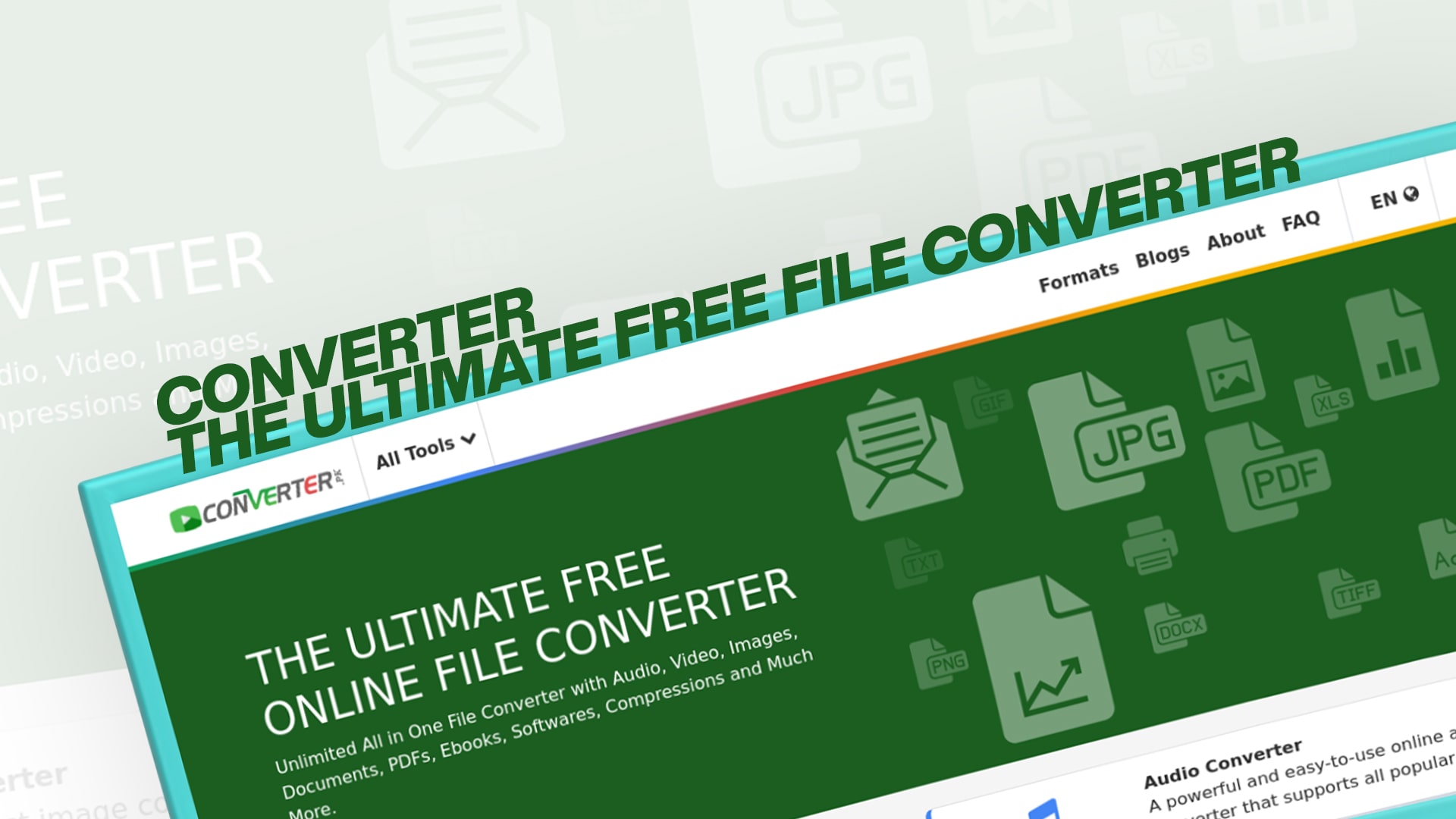
(Converter) The Ultimate Free File Converter
We work with many different types of files every single day. Sometimes you download a file, but it is not in the format you need. Maybe you have a video in one format, but you want to change it to another format. Or perhaps you have an image that needs to be converted to a different file type. This is where Converter comes in to help you.
Converter is a free online tool that helps you change files from one format to another. It is simple, fast, and very easy to use. You do not need to download any software or pay any money. Just visit the website, upload your file, choose the format you want, and download your converted file. That is all there is to it.
The best part about Converter is that it supports many different types of files. Whether you need to convert images, audio files, videos, documents, PDFs, eBooks, software files, or compressed files, Converter can handle it all. No matter what kind of file you have, Converter has a solution for you.
Why Do You Need a File Converter?
There are many reasons why you might need to convert files from one format to another. Let me explain some of the most common reasons people use file converters every day.
First, compatibility is a big reason. Different devices and programs work with different file formats. For example, your phone might not play a video file that works on your computer. Or maybe you have a document that your friend cannot open because they use a different program. By converting files, you can make sure that your files work on all your devices and with all your programs.
Second, storage space is another important reason. Some file formats are larger than others. If you have many video or image files, they can take up a lot of storage space. By converting them to a smaller file format, you can save space on your computer or phone. This is very helpful if you have limited storage.
Third, sharing files is easier when they are in common formats. If you want to send a file to someone, you want to make sure they can open it. Converting your file to a widely used format makes this much easier. Most people have programs that can open common formats, but they might not have programs for rare or special formats.
Fourth, some work requires specific file formats. If you work in design, video production, or music, your industry might have standard file formats that everyone uses. Converting your files to these formats is often necessary for your work.
Finally, some people simply prefer one format over another. You might like the quality of one video format better than another. You might prefer how an image looks when it is saved in a particular format. Whatever your preference, a file converter lets you work with the formats you like best.
What Types of Files Can Converter Handle?
Converter is an amazing tool because it works with so many different file types. Let me break down the main categories of files that Converter can convert for you.
Image Files and Conversion
Images are files that contain pictures. Converter can convert between many popular image formats. If you have a JPEG image but need a PNG, Converter can do it. If you need to convert a PNG to a BMP, Converter handles that too. You can convert between formats like GIF, TIFF, WebP, SVG, and many others. Image conversion is useful when you need a specific format for your website, social media, or printing.
Audio Files and Conversion
Audio files contain sound and music. Converter supports conversion between popular audio formats like MP3, WAV, FLAC, AAC, M4A, OGG, and more. Musicians and podcasters use audio converters all the time. If you download a song in one format but your device prefers another, Converter can help you change it quickly.
Video Files and Conversion
Videos are larger files that contain moving images with sound. Converter can convert videos between formats like MP4, AVI, MOV, MKV, WebM, FLV, and others. Video conversion is very common because different devices and platforms support different video formats. You might need to convert a video to watch it on your phone, upload it to social media, or edit it with specific software.
Document Files and Conversion
Documents are files with text and formatting, like Word files or text files. Converter can convert between formats like DOCX, DOC, ODT, TXT, and more. This is helpful when you receive a document in a format your software does not support. Converting documents ensures you can open and edit them no matter what program you use.
PDF Files and Conversion
PDFs are special document files that look the same on any device. Converter can convert PDFs to other formats and convert other documents to PDF format. Converting to PDF is popular because PDFs are safe, secure, and look exactly the same everywhere. Many people convert their important documents to PDF to protect them and share them easily.
eBook Files and Conversion
eBooks are digital books for reading on phones, tablets, and computers. Converter supports popular eBook formats like EPUB, MOBI, AZW, and PDF. If you buy an eBook in one format but your reader device uses a different format, Converter can help you convert it. This way, you can read your eBooks on any device you want.
Software Files and Conversion
Software files include programs and applications. While most software cannot be converted like regular files, Converter can help with software-related file conversions. This includes installer files, executable files, and other software-related formats that sometimes need conversion.
Compressed Files and Conversion
Compressed files are folders that have been squeezed down to save space. They are often called ZIP files or RAR files. Converter can help you work with compressed file formats like ZIP, RAR, 7Z, TAR, GZIP, and more. You can extract files from compressed folders or compress multiple files into one smaller folder using Converter.
How to Use Converter for Free
Using Converter is straightforward. Even if you have never used a file converter before, you will find it easy to figure out. Let me walk you through the steps.
First, you need to visit the Converter website. Once you are on the site, you will see a clean and simple interface. Do not worry about complicated menus or confusing buttons. Everything is designed to be easy and simple for everyone.
Second, you need to select the file type you are starting with. If you have an image file, you would click on the image section. If you have a video file, you would click on the video section. Converter organizes everything by file type, so you can find what you need quickly.
Third, you need to upload your file. You can do this by clicking a button and choosing the file from your computer. You can also drag and drop your file directly into the converter box if your browser supports this feature. The upload process is fast and easy.
Fourth, you need to choose the format you want to convert to. Once you upload your file, Converter will show you all the formats it can convert your file into. You simply select the format you want from the list. This is the most important step because it determines what your file will look like after conversion.
Fifth, you need to start the conversion. After selecting your new format, you click a button to begin the conversion process. Converter will process your file and create the new version. The time this takes depends on the size of your file and the type of conversion, but it is usually very fast.
Finally, you need to download your converted file. When the conversion is complete, Converter will let you download your new file. You click the download button, and your computer will save the converted file. You can now use your file in the new format anywhere you want.
The whole process usually takes just a few minutes. You do not need to install any software, create an account, or pay any money. This is what makes Converter so special and popular with millions of people around the world.
Benefits of Using a Converter for Your Files
There are many wonderful benefits to using Converter as your main file conversion tool. Let me tell you about the advantages that make Converter stand out from other converters.
It is Completely Free
The biggest benefit is that Converter costs absolutely nothing. You can convert as many files as you want, and you never have to pay a single penny. There are no hidden charges, no monthly fees, and no premium versions that cost money. This makes Converter accessible to everyone, whether you are a student with no money, a professional managing many files, or just someone who needs to convert files sometimes.
No Installation Required
You do not need to download or install any software on your computer. This saves space on your hard drive and keeps your computer clean. You simply open your web browser and visit Converter. This also means you can use Converter on any computer, phone, or tablet that has internet access. You do not need to worry about software compatibility with your device.
Fast Conversion Times
Converter is built with powerful servers that convert your files quickly. You do not have to wait around for long conversion times. Most files are converted within seconds or just a few minutes. This speed means you can get your files ready fast, whether you need them for work, school, or personal use.
Supports Many File Types
As I mentioned earlier, Converter supports an amazing variety of file types. Instead of using ten different converters, you can use just one. This saves time and makes your life simpler. Whatever file you need to convert, there is a good chance Converter can handle it.
Simple and Easy to Use
The interface is designed for everyone, not just computer experts. Even children and elderly people can figure out how to use Converter without any problems. All the buttons are clear, the process is straightforward, and there are no confusing options. Simplicity is built into the design from the beginning.
No Registration or Login Needed
You do not have to create an account to use Converter. You do not have to give your email address or personal information. You just visit the website and start converting files right away. This protects your privacy and makes the whole process faster. You can be completely anonymous if you want to be.
Safe and Secure
Converter takes security seriously. Your files are handled safely and deleted automatically after conversion. The website uses modern security technology to protect your information. You can feel confident uploading your files without worrying about privacy or security problems.
Works on All Devices
Whether you use a Windows computer, a Mac, a Linux computer, an iPhone, an Android phone, or a tablet, Converter works perfectly. You can access it from any device with a web browser. This flexibility means you can convert files wherever you are and on whatever device you have with you.
Regular Updates
Converter is constantly being improved with new features and support for new file formats. The developers work hard to add support for the latest file types and improve the conversion process. This means Converter stays current and relevant as technology changes.
When You Need to Convert Different File Types
Let me give you some real examples of situations where you would want to use Converter to convert different types of files.
If you take a photo on your new camera, it might be in RAW format or TIFF format. But if you want to share it on social media, you need a JPEG. The converter can quickly change it to JPEG for you. Or if you need a PNG with transparency for a website design, Converter handles that too.
If you download a music file from a website, it might be in FLAC format for high quality. But if your portable music player does not support FLAC, you need to convert it to MP3 or another format your player supports. Converter makes this easy.
If you record a video on your phone, it might be in MOV format. But if you want to upload it to YouTube or another video platform, they might want the MP4 format instead. Converting your video with Converter takes just minutes.
If you receive a Word document from someone, but you use a different program, you might not be able to open it easily. Converting the document to a format you use solves this problem immediately.
If you have important documents you want to protect and share, converting them all to PDF format is a smart idea. PDF files cannot be easily edited by others, keeping your information safer.
If you bought an eBook in MOBI format for your Kindle, but you want to read it on your tablet using a different reader app, you would convert it to EPUB format. Converter does this in seconds.
If you download software from the internet and get several different file formats, but you only need one format, Converter can help you work with the right files.
If you have a folder with many files you want to email to a friend, you can compress all of them into one ZIP file using Converter. This makes it easier for your friend to download all the files at once.
Important Facts About File Conversion
Before you start converting files with Converter, it helps to understand a few important things about how file conversion works.
When you convert a file, you are changing how the information is organized and stored, not the actual content itself. If you convert an image from JPEG to PNG, the picture is still the same. However, some formats preserve quality better than others, and some are smaller than others. This is why choosing the right format matters.
Some conversions are lossless, which means no quality is lost during conversion. Other conversions are lossy, which means some quality might be slightly reduced to make the file smaller. Audio and video conversions often use lossy formats to save space. Document and image conversions usually try to preserve quality as much as possible.
The size of your file can affect conversion speed. A very large video file will take longer to convert than a small audio file. But Converter is optimized to handle even large files efficiently.
You should always check that your converted file works properly after conversion. Sometimes converting files can cause small problems, especially with complex files. But Converter does an excellent job, and you usually will not have any issues.
Different programs might handle the same file format slightly differently. This is why the converted file might look or sound slightly different in another program. But the converted file will still work fine.
Conclusion and Getting Started
Converter is truly the ultimate free file converter for everyone. Whether you need to convert images, audio, videos, documents, PDFs, eBooks, software files, or compressed files, Converter provides a simple, fast, and free solution. With no installation, no registration, and no costs involved, there is really no reason not to use Converter for all your file conversion needs.
The process is simple: choose your file type, upload your file, select your desired format, and download your converted file. It takes just minutes, and you can do this from any device with internet access. Converter works hard to make file conversion easy for everyone, from beginners to advanced users.
If you have ever struggled with file compatibility, storage space, or trying to get your files into the right format, you now have the perfect solution. Stop wasting time and money on complicated software or confusing converter websites. Start using Converter today and experience how simple and fast file conversion can be.
Visit Converter now and start converting your files for free. You will be amazed at how easy it is. With Converter, you can convert any file type you need in just minutes. No matter what files you work with, Converter is ready to help you. Begin your free file conversion journey today and never worry about file formats again.